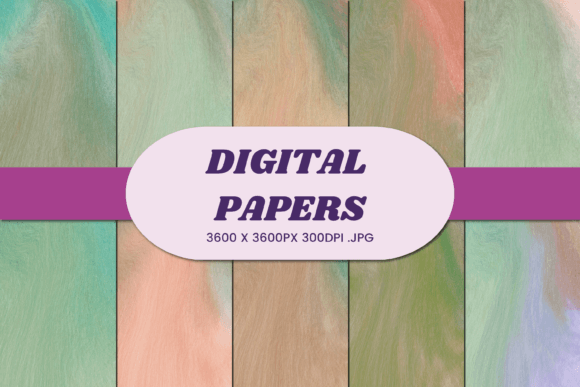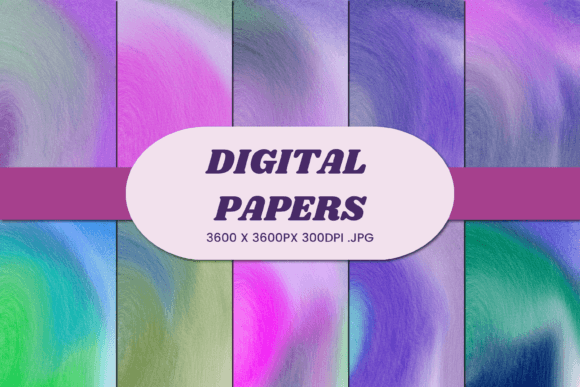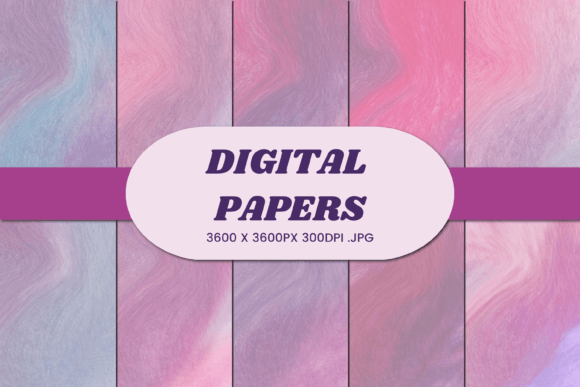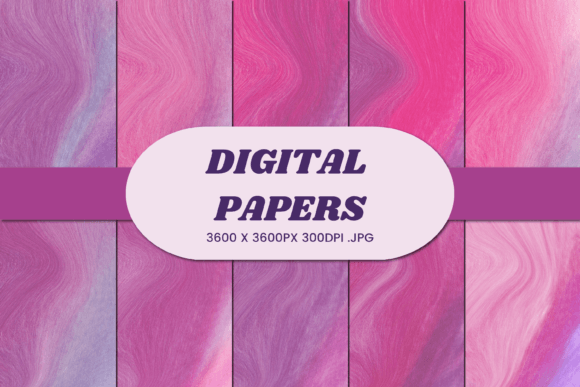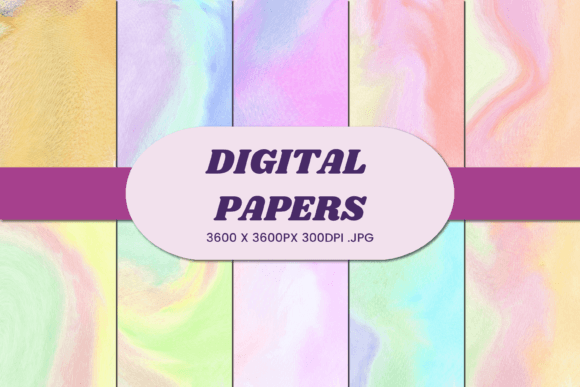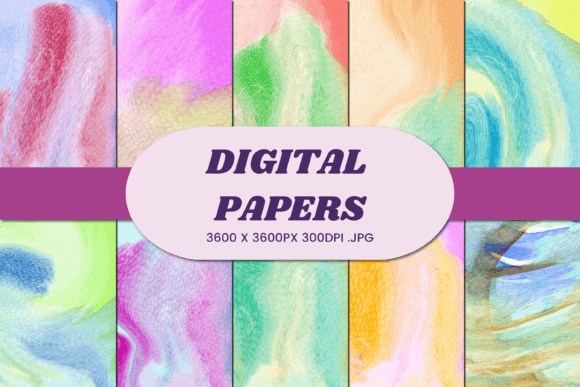
Watercolor Abstract 28 Digital Paper: A Smart Choice for Versatile Creative Projects
When you are looking to elevate your creative output without spending a fortune on physical supplies, Watercolor Abstract 28 Digital Paper offers a practical solution that bridges the gap between traditional artistry and modern digital efficiency. This collection is not just a set of pretty images; it is a functional asset designed to streamline your workflow while delivering high-quality textures that mimic the organic flow of watercolor paint. Whether you are a small business owner preparing product packaging or a hobbyist designing wedding invitations, understanding how to leverage this specific resource can save you time and prevent costly errors in production.
The appeal of abstract watercolor lies in its versatility. Unlike rigid geometric patterns, these fluid designs adapt seamlessly to various surfaces, from soft fabrics to glossy ceramics. However, many creators jump straight into using digital papers without verifying their technical specifications, leading to disappointing results in the final product. By focusing on the specific attributes of this file set, you can avoid common pitfalls and ensure your projects look professional from the first print to the last sublimation wrap.
Understanding the Technical Foundation
One of the most critical aspects often overlooked by beginners is the resolution and dimensions of the digital assets they download. Watercolor Abstract 28 Digital Paper comes with a robust specification that sets it apart from lower-quality alternatives found online. Each of the ten included JPG files is sized at 3600×3600 pixels, which translates perfectly to 12x12 inches at a high-resolution 300 DPI. This density is non-negotiable if you intend to produce tangible goods.
If you attempt to use a low-resolution image for a large-scale print, such as a blanket or a large poster, the result will be pixelated and blurry. This is a frequent mistake that damages brand reputation. Because this specific package provides 300 DPI, you can scale your designs up for large formats like blankets and pillows without losing clarity. Conversely, the high pixel count ensures that even when used for smaller items like phone cases or business cards, the texture remains crisp and detailed. Always verify that your design software is set to the correct color profile (usually CMYK for printing) before sending files to a printer, regardless of how high the DPI is.
Common Pitfalls in Application and Usage
While the files themselves are high quality, the way you apply them can make or break a project. One significant misunderstanding involves the limitations of different printing methods. For instance, using a standard inkjet printer on fabric requires specific pretreatment, whereas sublimation requires polyester-coated materials. If you treat all substrates the same way, you may end up with faded colors or peeling designs.
Another common error occurs when users try to stretch or distort the abstract pattern to fit awkward shapes. The beauty of Watercolor Abstract 28 lies in its natural, flowing composition. When you force a rectangular pattern onto a curved surface, like a 3D tumbler or a mug, without proper wrapping software, the artwork will appear warped and unprofessional. Instead of forcing the fit, utilize 3D sublimation templates provided by your printing vendor to map the 3600×3600 px image accurately around the object's geometry.
Furthermore, many entrepreneurs overlook the importance of file management. Receiving ten separate JPG files is efficient, but saving them incorrectly can lead to version control issues. Always keep the original high-resolution files untouched. Create copies for editing rather than modifying the source, ensuring you always have a pristine version available for future projects or reprints.
Maximizing Value Across Diverse Product Categories
The true power of this digital paper collection emerges when you consider its wide range of applications. It is designed to be a Swiss Army knife for creatives, but each application requires a slightly different approach to maximize quality.
- Apparel and Soft Goods: For T-shirts, pillows, and blankets, the 300 DPI resolution ensures that the subtle gradients of the watercolor effect do not banding during the heat press process. Ensure you use transfer paper specifically rated for the fabric type you are using.
- Drinkware and Tumblers: When creating a 3D sublimation tumbler wrap, the square aspect ratio of the 12x12 inch file is ideal. You can crop or tile the image depending on the curvature of the tumbler, knowing that the starting resolution is sufficient to maintain sharpness after stretching.
- Stationery and Invitations: For wedding cards, business cards, and invitations, the abstract texture adds a touch of elegance that vector graphics often lack. However, remember that white backgrounds in digital files might not translate perfectly to colored cardstock. Always request a physical proof before running a large batch of printed invitations.
- Digital and Social Media: These images serve as excellent backgrounds for social media posts, blog headers, or digital planners. The high resolution allows for zooming in on details without degradation, making them perfect for mobile-first content where screen real estate is limited.
Evaluating Before You Commit
Before integrating Watercolor Abstract 28 Digital Paper into your commercial inventory, take a moment to evaluate your current workflow. Are you currently struggling with inconsistent print quality? Do you find yourself wasting money on trial-and-error with low-quality textures? This specific bundle addresses those issues by providing a consistent, high-fidelity base for your designs.
It is also important to check the licensing terms associated with any digital purchase. While many of these files allow for commercial use, some restrictions may apply regarding the number of physical products you can sell or whether you can resell the digital file itself as a standalone product. Reading the fine print prevents legal headaches later on. Additionally, consider your color management setup. If you work primarily on a monitor that is not calibrated, the vibrant blues and soft pinks in the watercolor design might appear duller in print than expected. Adjusting your monitor or using a color swatch book can bridge this gap.
Making the Right Decision for Your Brand
In a market saturated with generic clipart and low-resolution downloads, choosing a specialized resource like this one demonstrates a commitment to quality. The 10 JPG files included offer enough variety to cover multiple collections without feeling repetitive. Whether you are designing a new line of eco-friendly mugs, launching a series of digital planners, or creating custom gift tags for a boutique event, this digital paper provides the necessary foundation.
By avoiding the trap of cutting corners on resolution and respecting the unique requirements of different printing technologies, you ensure that your final products reflect the care and attention you put into your brand. The difference between a amateur-looking product and a premium item often comes down to the quality of the raw assets used. With 3600×3600 px clarity and a versatile abstract aesthetic, Watercolor Abstract 28 Digital Paper equips you to create stunning visuals that stand out in a crowded marketplace.
Take the time to experiment with these textures in mockups before committing to full production runs. See how the watercolor flows over a book cover versus how it sits on a flat background. This proactive approach saves resources and ensures that every piece of merchandise bearing your logo looks as exceptional as the business behind it.